 Retro Emulator
Fully offline
No account, no ads, no tracking. Games, BIOS files and saves stay in the app's private storage.
Retro Emulator turns your phone into a handheld with a full on-screen controller. Fast, offline and private: your games and saves never leave your device.
No games included. Play your own legally owned game backups.
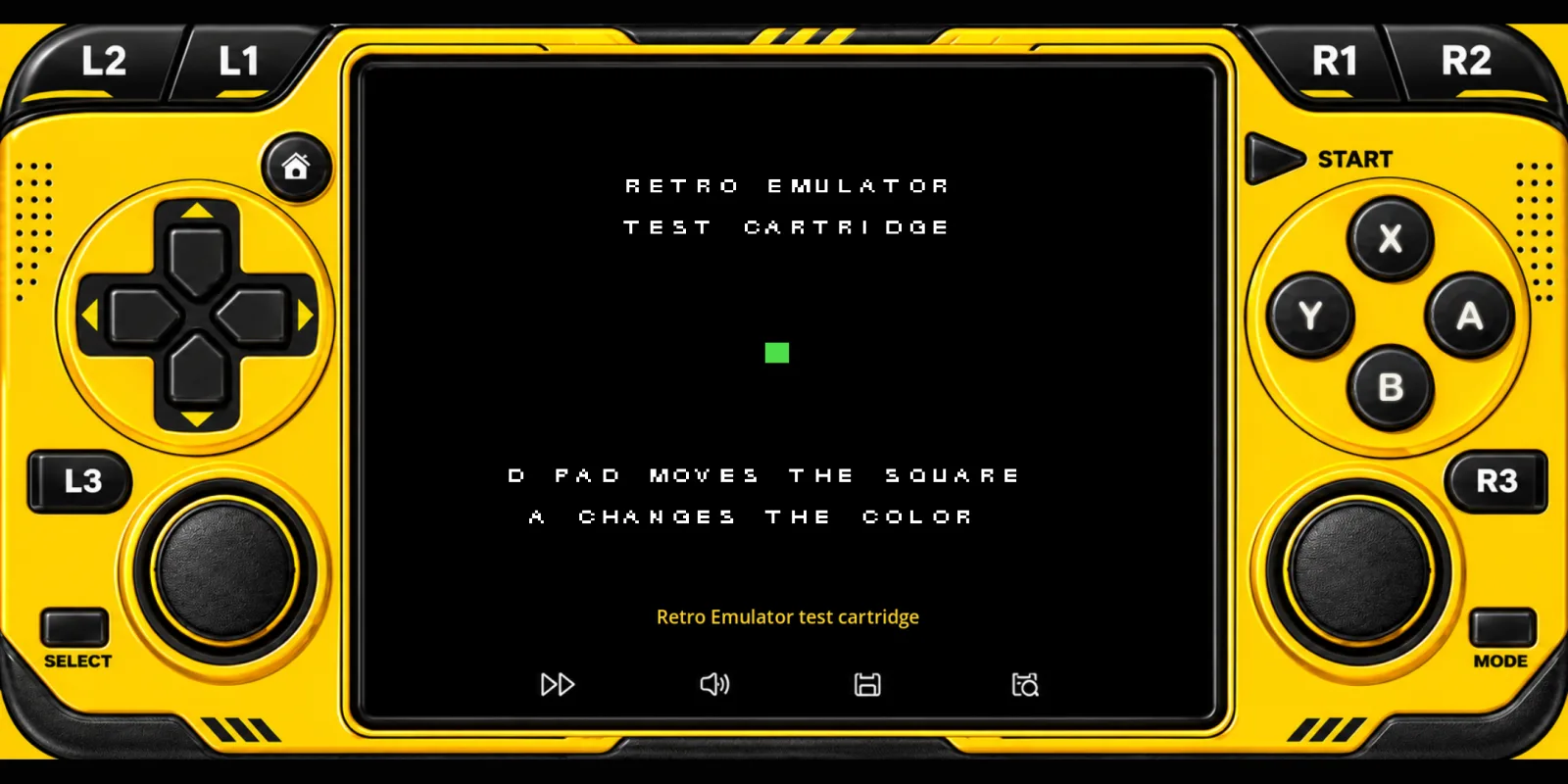
Pick a console, import your game file and play. Everything runs right on your phone, no internet needed.
A controller you can feel, saves you can trust, and no distractions.
No account, no ads, no tracking. Games, BIOS files and saves stay in the app's private storage.
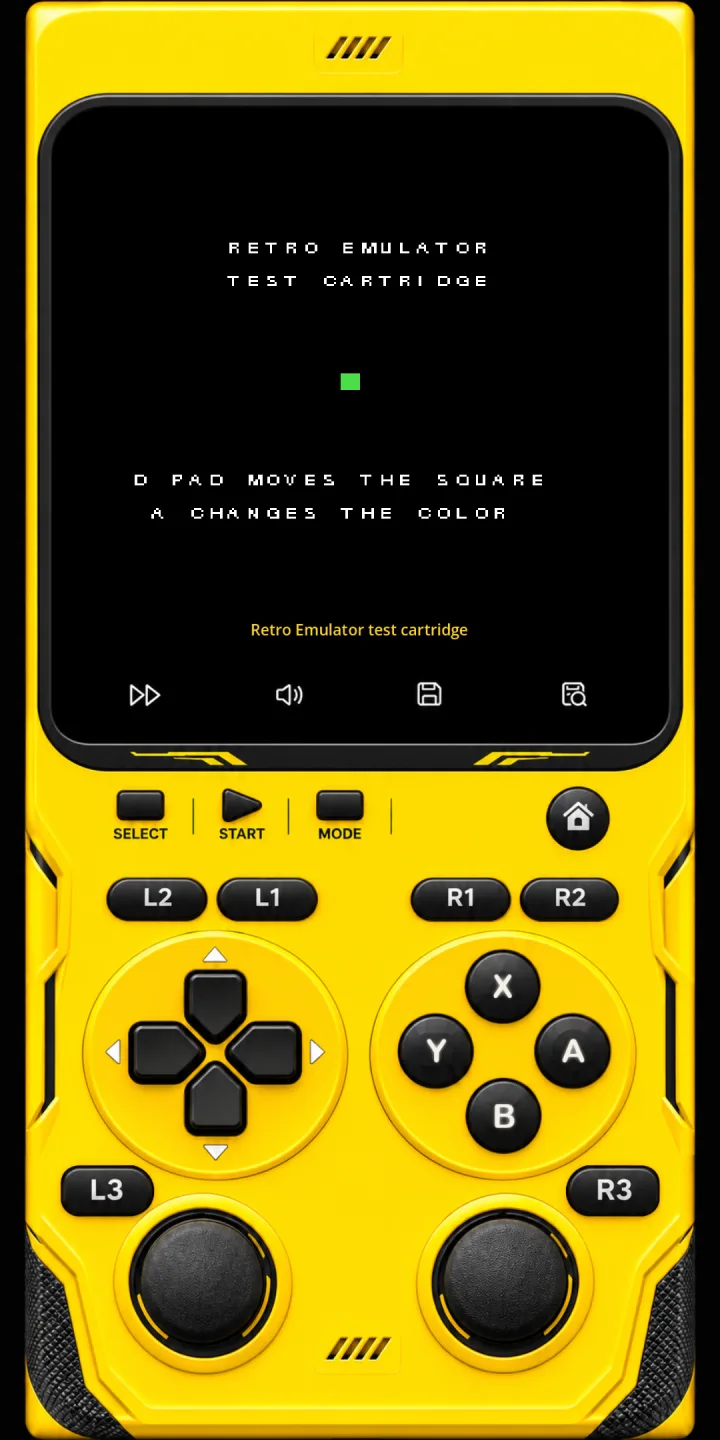
D-pad, face buttons, shoulders and two analog sticks, with haptic feedback on every press.
Two hand-made layouts. Play one-handed upright, or turn sideways for the classic handheld grip.
Save and load states at any moment, plus normal in-game saves. Pause the game and pick up later.
Skip slow parts at 2× speed with one tap, right from the toolbar.
Connect a Bluetooth or USB controller and play with real buttons.
Retro Emulator doesn't come with games. You import your own, and it handles the rest.
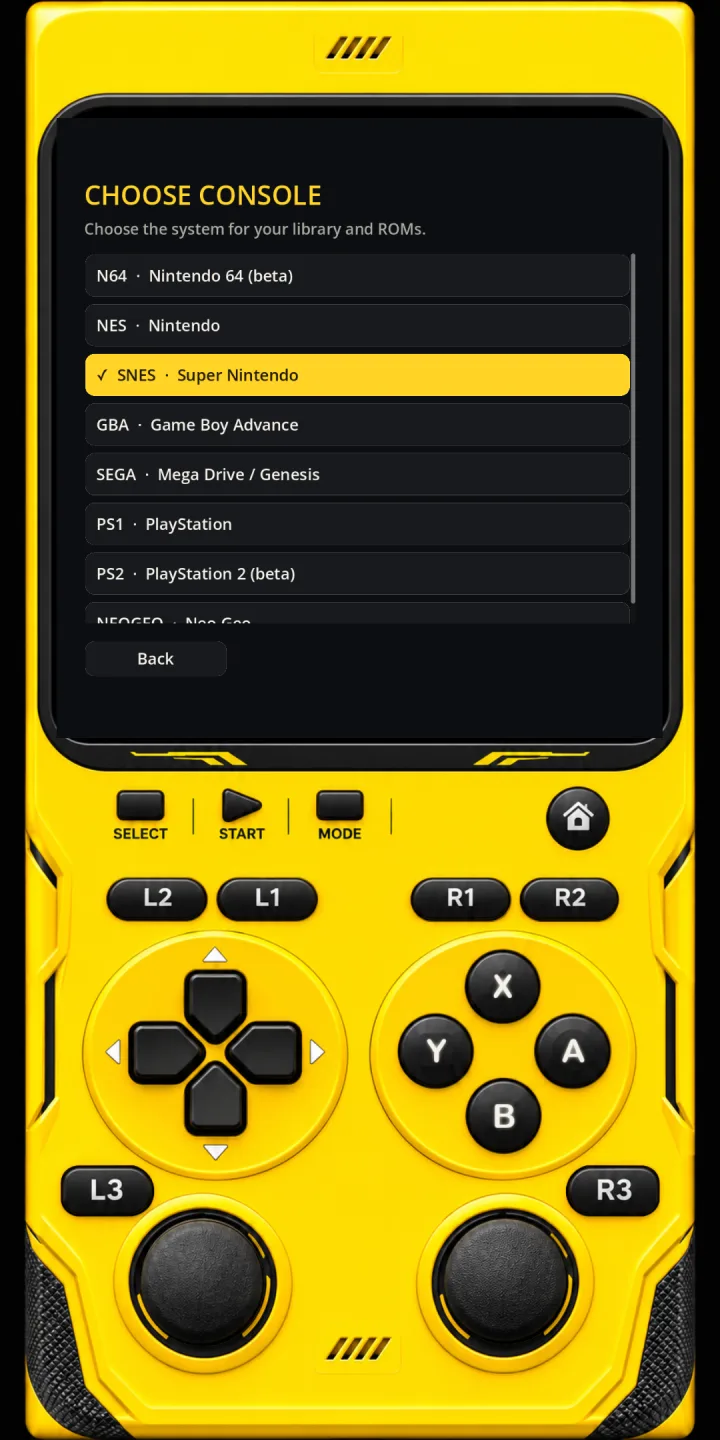
Pick the system your game is for.
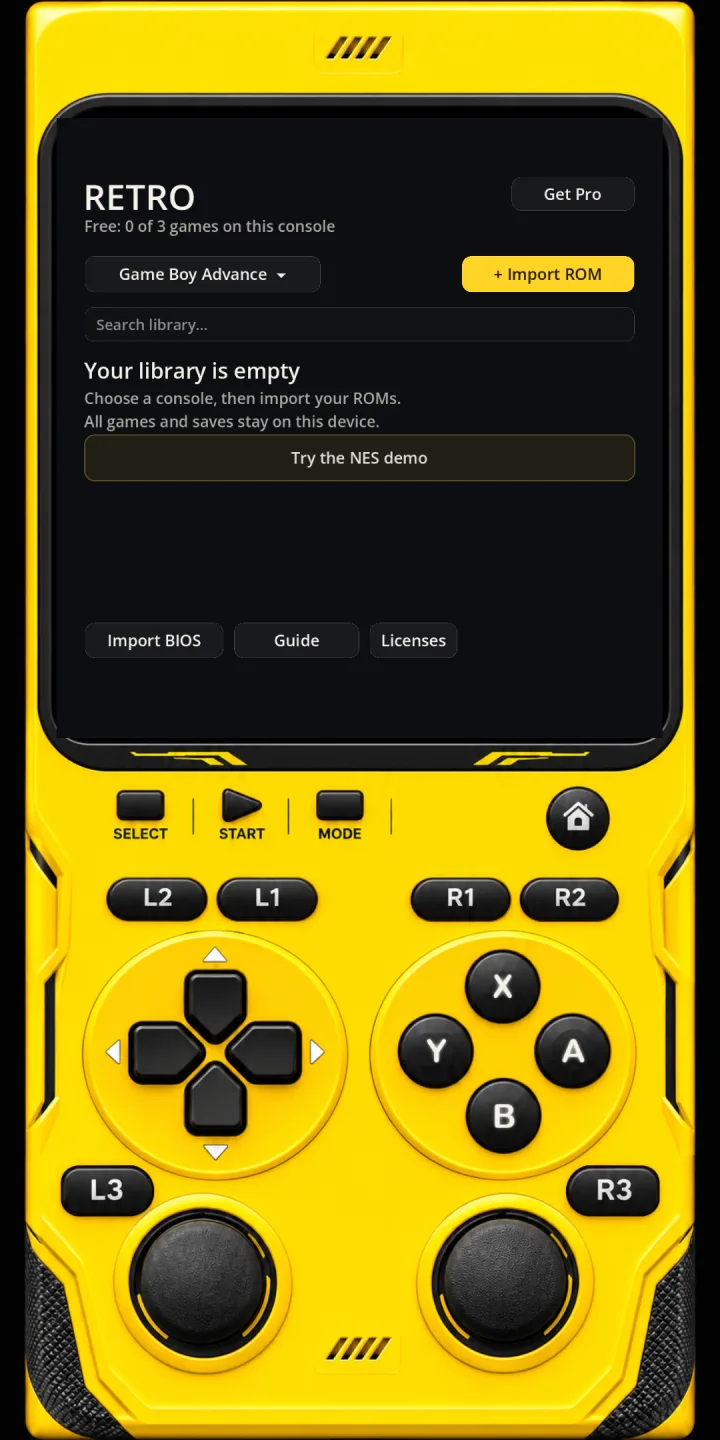
Tap Import ROM and choose the file on your phone. Some systems also need your BIOS file.
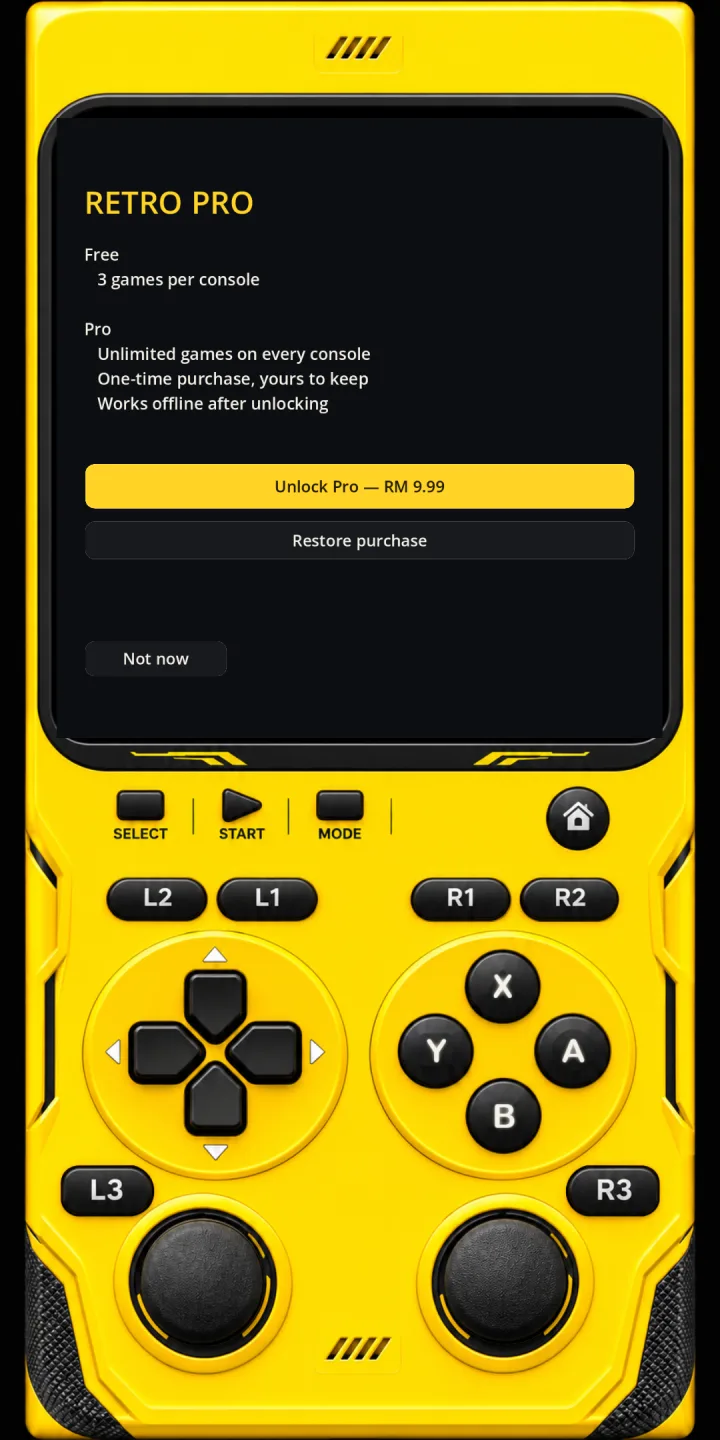
Your first 3 games on every console are free. Unlock Pro when you want more.
No subscription and no ads. Every feature is in the free version; Pro only removes the game limit.
Price shown in Malaysia. Google Play shows the price in your local currency.
No. Retro Emulator includes no commercial games or BIOS files. You import game backups and BIOS files that you legally own. A small test program made by us is included so you can try the controls.
No, games run fully offline. You only need a connection to buy Retro Pro or restore it on another phone.
You can keep 3 games in your library for each console, so 3 NES games, 3 SNES games, and so on. All features work in the free version. Retro Pro removes the limit.
No. Sign in to Google Play with the same Google account, open the Pro screen and tap Restore purchase.
Both are in beta. PlayStation 2 needs a powerful phone and runs best on recent mid-range and flagship devices; speed varies by game. Try your game for free before buying Pro.
Common formats for each system, for example .nes, .sfc/.smc, .gba/.gb/.gbc or a one-game ZIP, .md/.gen/.sms/.gg, PlayStation .chd/.pbp/.iso or CUE + BIN, PlayStation 2 .iso/.chd/.cso, and Neo Geo .neo cartridge files (Neo Geo also needs your aes.zip or neogeo.zip BIOS). The in-app Guide lists the details.

Retro Emulator is coming soon to Google Play.